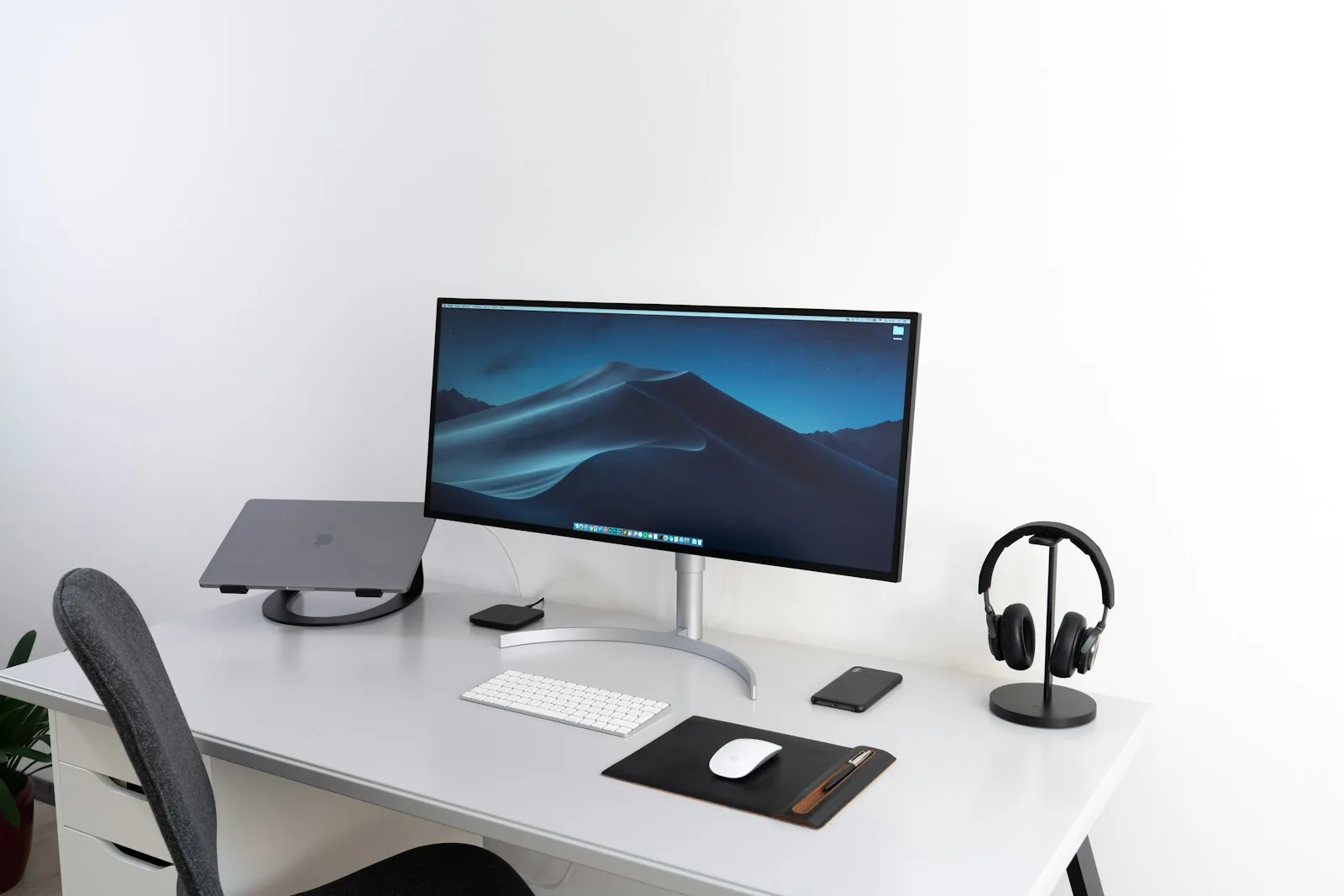

Assessing Display Screen Equipment Video Based CPD Certified Online Course
Original price was: £47.00.£42.00Current price is: £42.00. inc VAT
- Instant online access
- Study at your own pace
- Secure checkout
What the Assessing Display Screen Equipment course covers
Assessing Display Screen Equipment runs online from start to finish, so you decide when you study and how much you cover at a time. Budget roughly 110 minutes for the 15 modules, less if the subject is already familiar. The pace is entirely yours: sit it in an afternoon or spread it over a month.
What it covers: Introduction, Legislation, Protecting Your Body and Adjusting Your Chair. 11 more modules follow those, all named on the Modules tab.
The provider grades it intermediate, so it moves through the fundamentals quickly rather than teaching them. We list 19 Workplace Safety courses, of which 9 sit at Intermediate. Its study time is about mid-range for the subject. The course is CPD accredited, so the time counts towards a CPD record, and your certificate is available to download as soon as you finish.
What this course is not: It is not an awareness course: if the subject is completely new to you, something introductory will be better value.
Is this the right course for you?
Best fit
Assessing Display Screen Equipment is a sensible shortlist choice when you want a structured route through the published syllabus rather than a general overview of the whole subject. Its 15-module plan starts with Introduction and Legislation, which gives you a clear indication of the assumed starting point. That shape is likely to be most useful for site and warehouse staff, supervisors and safety representatives whose training need matches those topics. It is a weaker fit if you only need one isolated skill, or if an employer has specified a different standard, awarding body or practical assessment. Before buying, compare that requirement with the final modules on Control and Prevention Strategies and Practical Element as well as the course title.
How to use the syllabus
Treat the module list as a study plan, not just a contents page. Begin with Introduction and Legislation and note any terms or processes you need to revisit. Around the middle, Adjusting Your Work Environment acts as a useful checkpoint: if you can explain that material without looking back, move on; if not, repeat the preceding section before adding more. The later work on Control and Prevention Strategies and Practical Element is where you can test whether the earlier ideas connect. After each block, write a short example from your own work or a realistic scenario. That simple retrieval step makes self-paced learning more useful than clicking straight through to completion.
Check before enrolling
The listed study time is 110 minutes; reserve more time if the subject is new to you or you plan to make detailed notes. No fixed access period is stated in the validated course facts; ask us before enrolling if a deadline matters to your plans. A downloadable or printable completion certificate is described, but it records course completion rather than replacing a regulated qualification. The course carries a CPD accreditation reference; still check that your employer or professional body accepts this exact course for the purpose you have in mind.
Full course details from the training provider
Assessing Display Screen Equipment Online Course
IIRSM Approved
Course Description
Our display screen equipment courses are aimed at users of display screen equipment (DSE) and those responsible for assessing display screen equipment. A ‘user’, is anyone who regularly uses display screen equipment for a significant part of their normal work. In practice, if you use display screen equipment continuously for more than one hour a day, then you’re a ‘user’.
So what do we mean by display screen equipment?
The first thing most people think of is a computer monitor. But that’s not the only thing it refers to Display screen equipment could also mean laptops, tablet PCs, televisions, smartphones, CNC control pads, portable diagnostic screens or equipment containing cathode ray tubes, or CRTs.
The Health and Safety (Display Screen Equipment) Regulations contain special directives covering DSE safety. Both employers and employee‐users have responsibilities under the legislation.
This course fulfils your statutory training obligations and covers among other things, the correct way to set up and use your display screen equipment safely. Reducing the risk of work related conditions.
DEMO VIDEO
Target Audience
The Asbestos Awareness course is designed for anyone who may come into contact with asbestos in their work. Most commonly, that includes builders, plumbers, electricians, carpenters and other building related and maintenance trades.
Advantages
Being aware of the products that are likely to contain asbestos and the risks associated with them give workers and supervisors the information they need to avoid work that may disturb asbestos.
The course is approved by leading industry bodies ROSPA and the IATP
Online training is flexible, efficient and cost effective meaning the candidate can progress through the modules at their own pace and in their own time, so they can fit the training in around their work and personal life
Further Progression
There are a wide range of other health and safety courses available in the eLearning suite that are relevant to the same industries as these courses.
COURSE OUTLINE
Module 1: Introduction
Module 2: Legislation
Module 3: Protecting Your Body
Module 4: Adjusting Your Chair
Module 5: Adjusting Your Screen
Module 6: Work Arrangements
Module 7: Adjusting the Layout of Your Workstation
Module 8: Adjusting Your Work Environment
Module 9: Risk Assessment Overview
Module 10: Principles of Sensible Risk Management
Module 11: Key Health and Safety Legislation
Module 12: DSE Hazards and Risks
Module 13: DSE Assessments
Module 14: Control and Prevention Strategies
Module 15: Practical Element
Duration:
110 minutes (Note: This is based on the amount of video content shown and is rounded off. It does not account in any way for loading time or thinking time on the questions).
Recommended System Requirements
- Browser: Up to date web browser
- Video: Up to date video drivers
- Memory: 1Gb+ RAM
- Download Speed: Broadband (3Mb+)
What is the structure of the course?
The course is broken down into bite-sized modules. You’re free to spend as much or as little time as you feel necessary on each section, simply log in and out of the course at your convenience.
Where / when can I study the course?
You can study the course any time you like. Simply log in and out of the web-based course as often as you require. The course is compatible with all computers and most tablet devices etc. so you can even study while on the move! As long as you have access to the internet, you should be able to study anywhere that’s convenient.
Is there a test at the end of the course?
Once you have completed all the modules there is a multiple choice test. The questions will be on a range of topics found within the modules. The test, like the course, is online and can be taken at a time and location of your choosing.
What if I don’t pass the test?
If you don’t pass the test first time then you will get further opportunities to take the test again after extra study. There are no limits to the number of times you can take the test. All test retakes are included within the price of the course.
Certificate of Completion: Upon completion of your training course, you will receive a CPD Certified Certificate of Completion displaying your full name, course completed as well as the date of completion. You can print this out or save it digitally to showcase your accomplishment.
When will I receive my certificate?
Once you have completed your test you can log in to your account and download/print your certificate any time you need it.
Learning outcomes
- Module 1: Introduction
- Module 2: Legislation
- Module 3: Protecting Your Body
- Module 4: Adjusting Your Chair
- Module 5: Adjusting Your Screen
- Module 6: Work Arrangements
- Module 7: Adjusting the Layout of Your Workstation
- Module 8: Adjusting Your Work Environment
- Module 9: Risk Assessment Overview
- Module 10: Principles of Sensible Risk Management
- Module 11: Key Health and Safety Legislation
- Module 12: DSE Hazards and Risks
- Module 13: DSE Assessments
- Module 14: Control and Prevention Strategies
- Module 15: Practical Element
Get instant access and start learning today.
Modules
15Module 15: Practical Element
Duration:
110 minutes (Note: This is based on the amount of video content shown and is rounded off. It does not account in any way for loading time or thinking time on the questions).
Recommended System Requirements
Browser: Up to date web browser
Video: Up to date video drivers
Memory: 1Gb+ RAM
Download Speed: Broadband (3Mb+)
What is the structure of the course?
The course is broken down into bite-sized modules. You're free to spend as much or as little time as you feel necessary on each section, simply log in and out of the course at your convenience.
Where / when can I study the course?
Is there a test at the end of the course?
What if I don't pass the test?
Course certificate
Upon completion of your training course, you will receive a CPD Certified Certificate of Completion displaying your full name, course completed as well as the date of completion. You can print this out or save it digitally to showcase your accomplishment.
Accreditation: CPD accredited or approved as stated in the supplied course information.
Frequently asked questions
How much time do I need for Assessing Display Screen Equipment?
Around 110 minutes across 15 modules. Your place is saved, so you can do it in one go or ten minutes at a time.
Do I need any experience before I start?
Some helps. The provider grades it intermediate, so it builds on the basics rather than introducing them - start lower down if they are new to you.
Do I get a certificate?
Yes, and you do not have to wait for it in the post: it is a download.
Is Assessing Display Screen Equipment an accredited qualification?
CPD accredited, yes. Regulated qualification, no: nothing about it carries an Ofqual level, and it is not meant to.
How soon do I get access?
As soon as you have paid. Your login details are emailed after checkout, and the course runs in a browser, so there is nothing to install.
Course reviews
Only verified purchasers can submit a review. Reviews are not written, rewarded or edited by us.
Only logged in customers who have purchased this product may leave a review.
Continue your learning
-
 Workplace Safety
Sexual Harassment in the Workplace CPD Certified Online Course
-
 Workplace Safety
Risk Assessment Introduction CPD Certified Online Course
-
 Workplace Safety
Workplace Health and Safety CPD Certified Online Course
-
 Workplace Safety
Developing a Workplace Mental Health Policy Video Based CPD Certified Online Course
-
 Workplace Safety
Health & Safety Inc. Risk Incident Reporting Training
-
 Workplace Safety
Manual Handling CPD Certified Online Course
-
 Workplace Safety
Health & Safety in the Workplace UK Diploma Training Course
-
 Workplace Safety
Display Screen Equipment Awareness Video Based CPD Certified Online Course
-
 Workplace Safety
COVID-19 Safe Workplaces Video Based CPD Certified Online Course
-
 Workplace Safety
Control of Substances Hazardous to Health (COSHH) Video Based CPD Certified Online Course
-
 Workplace Safety
Personal Protective Equipment CPD Certified Online Course
-
 Workplace Safety
Conflict Resolution in the Workplace Video Based CPD Certified Online Course
Reviews
There are no reviews yet.